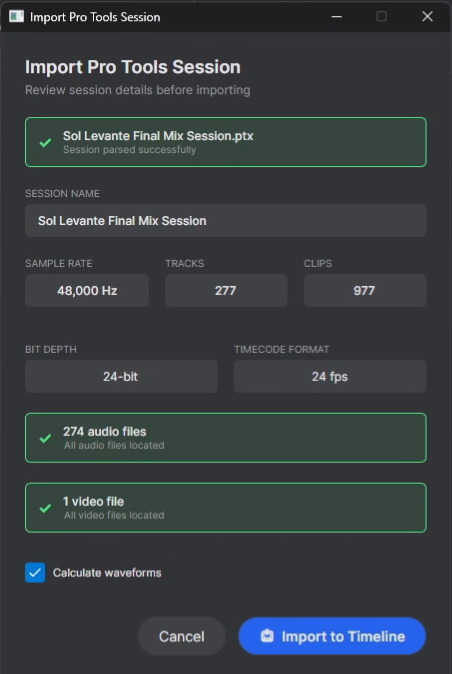
Pro Tools session parser
Open .ptx sessions instantly and review every detail - sample rate, tracks, clips and media - before importing.
ClipMap is a Pro Tools session viewer and auditioning tool for opening and listening to .ptx sessions and spotting audio back to Pro Tools
Open .ptx sessions instantly and review every detail - sample rate, tracks, clips and media - before importing.
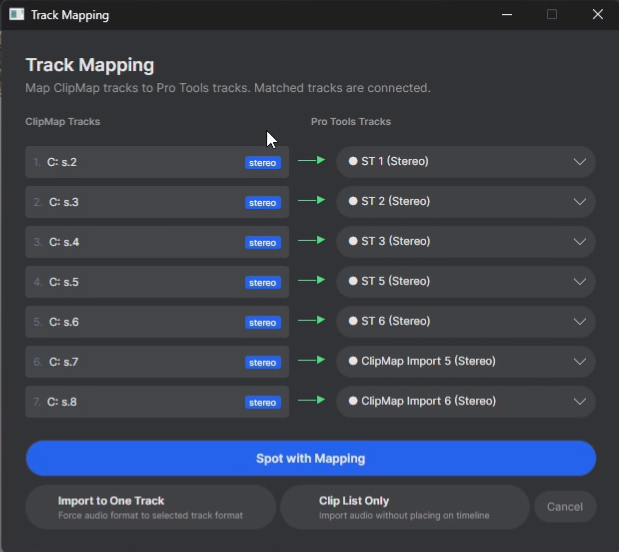
Match ClipMap tracks to your Pro Tools tracks with one click, or spot to a single track when you need full control.
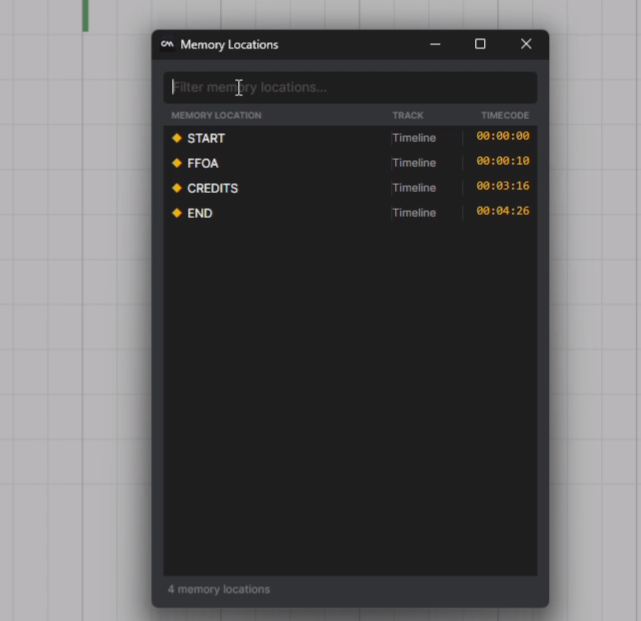
Search/filter and jump straight to markers from the original session - START, END and every cue in between.
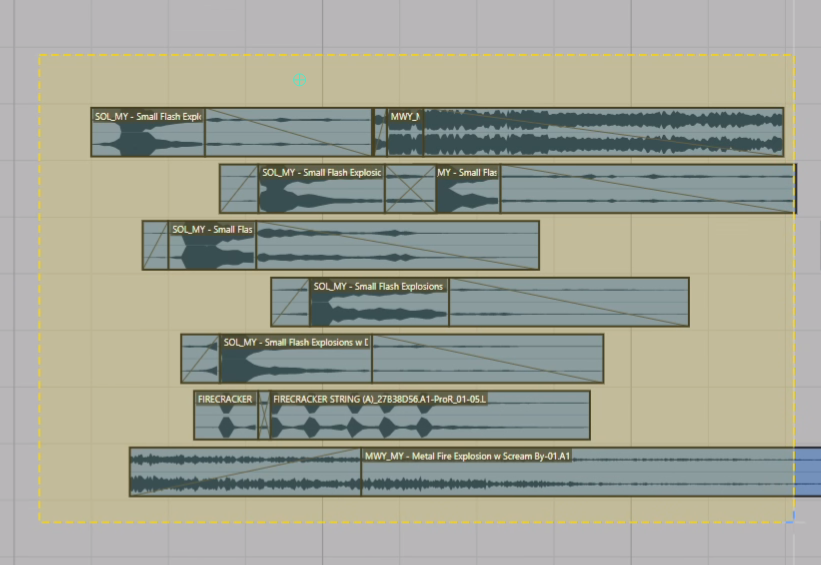
Audition clips and drop them straight onto the Pro Tools timeline.
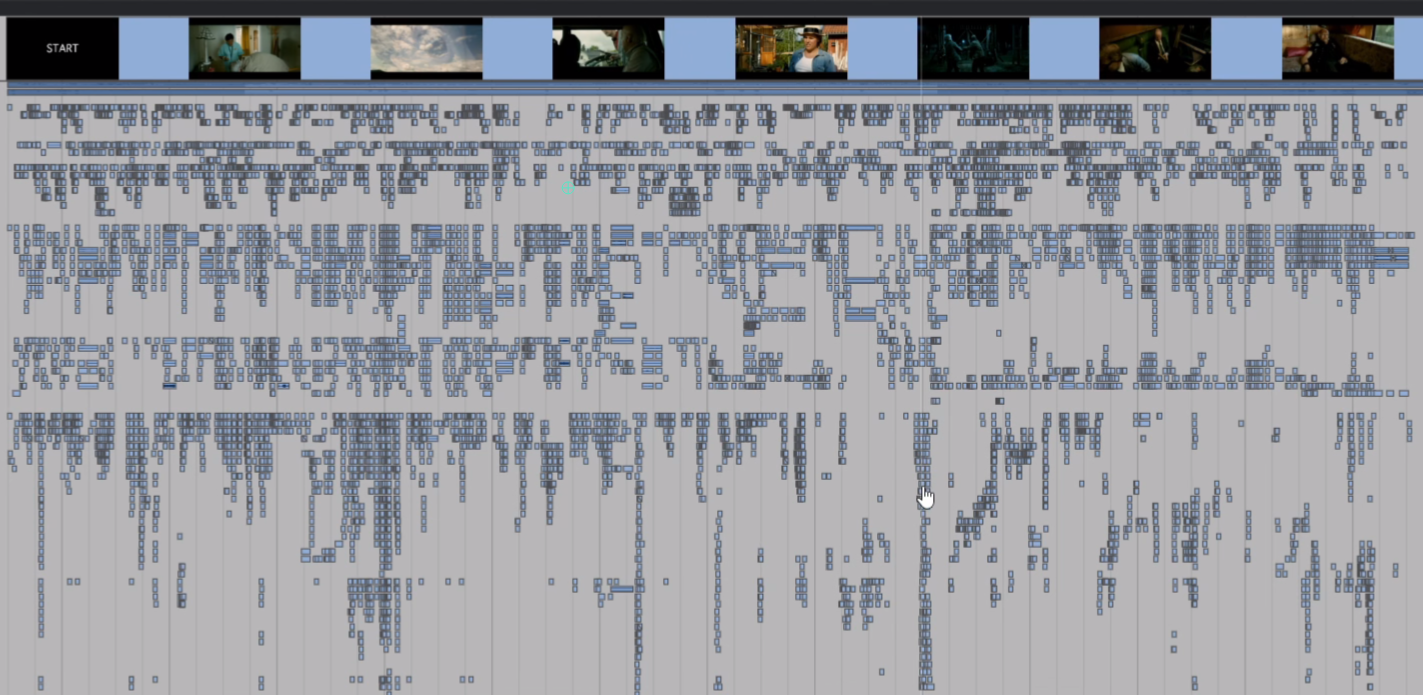
Get a bird's-eye view of the entire session with thumbnails and clip density, so nothing slips past you.
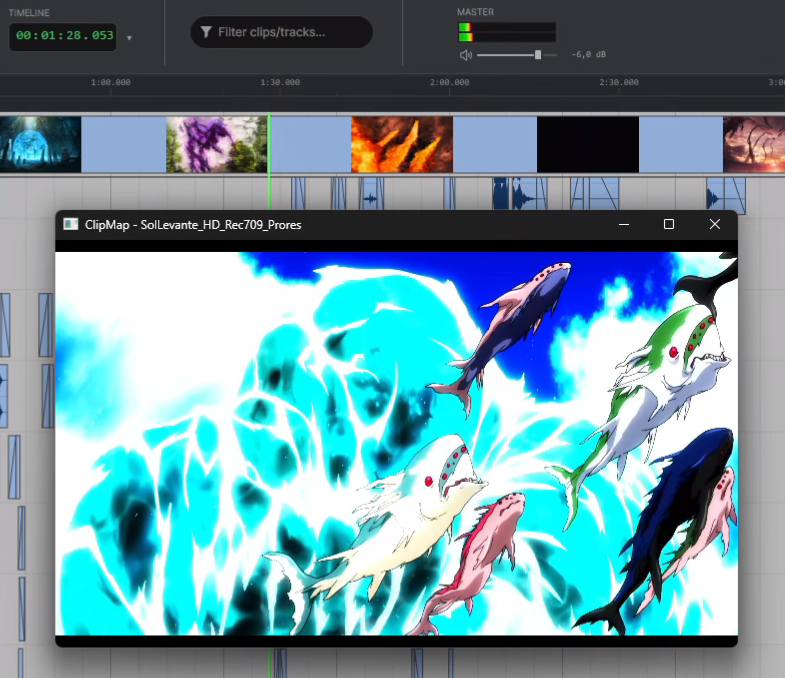
Play back the session’s video reference in sync with the timeline while you scrub, audition and spot.
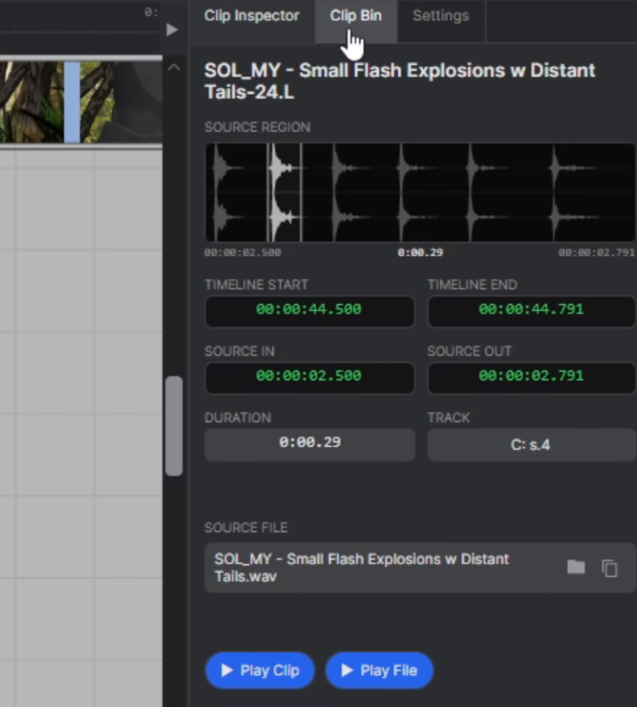
Select any clip to see its source region, timecode, duration, track and source file at a glance.
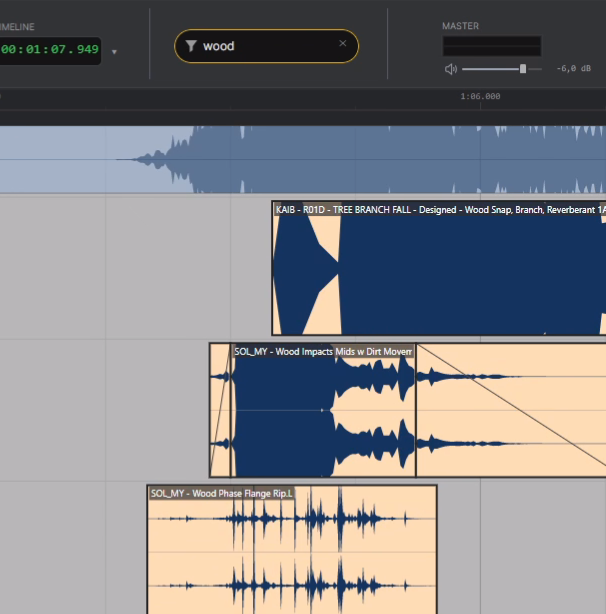
Instantly search and filter clips across the entire session to find exactly what you need.
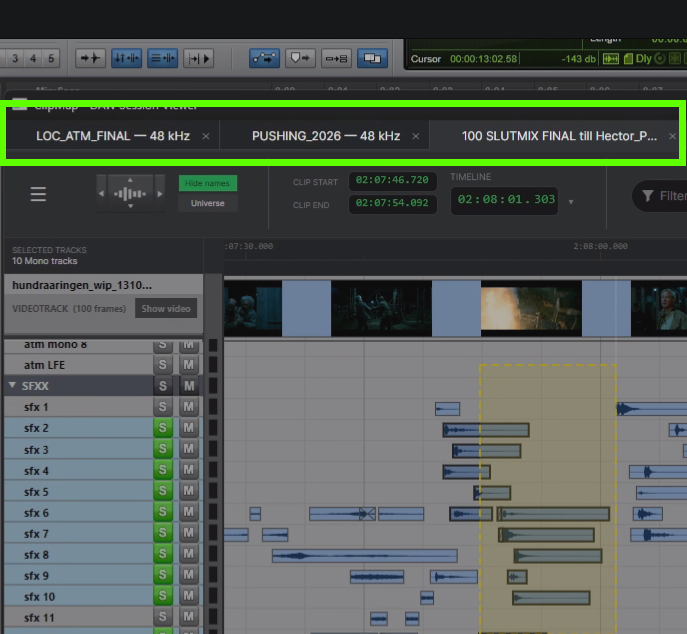
Open several sessions at once and switch between them with tabs.
Already on the beta mailing list? Use the unsubscribe link in any email we sent you to opt out.
© 2026 ClipMap. All rights reserved.